/ 02
TAKE THE LONG WAY HOME.
Follow rivers, uncover buried ruins, and venture into the volcanic Cinderdeep. Pack well. The next discovery might take you further than you think.
 HEARTHWILD
Log in
HEARTHWILD
Log in
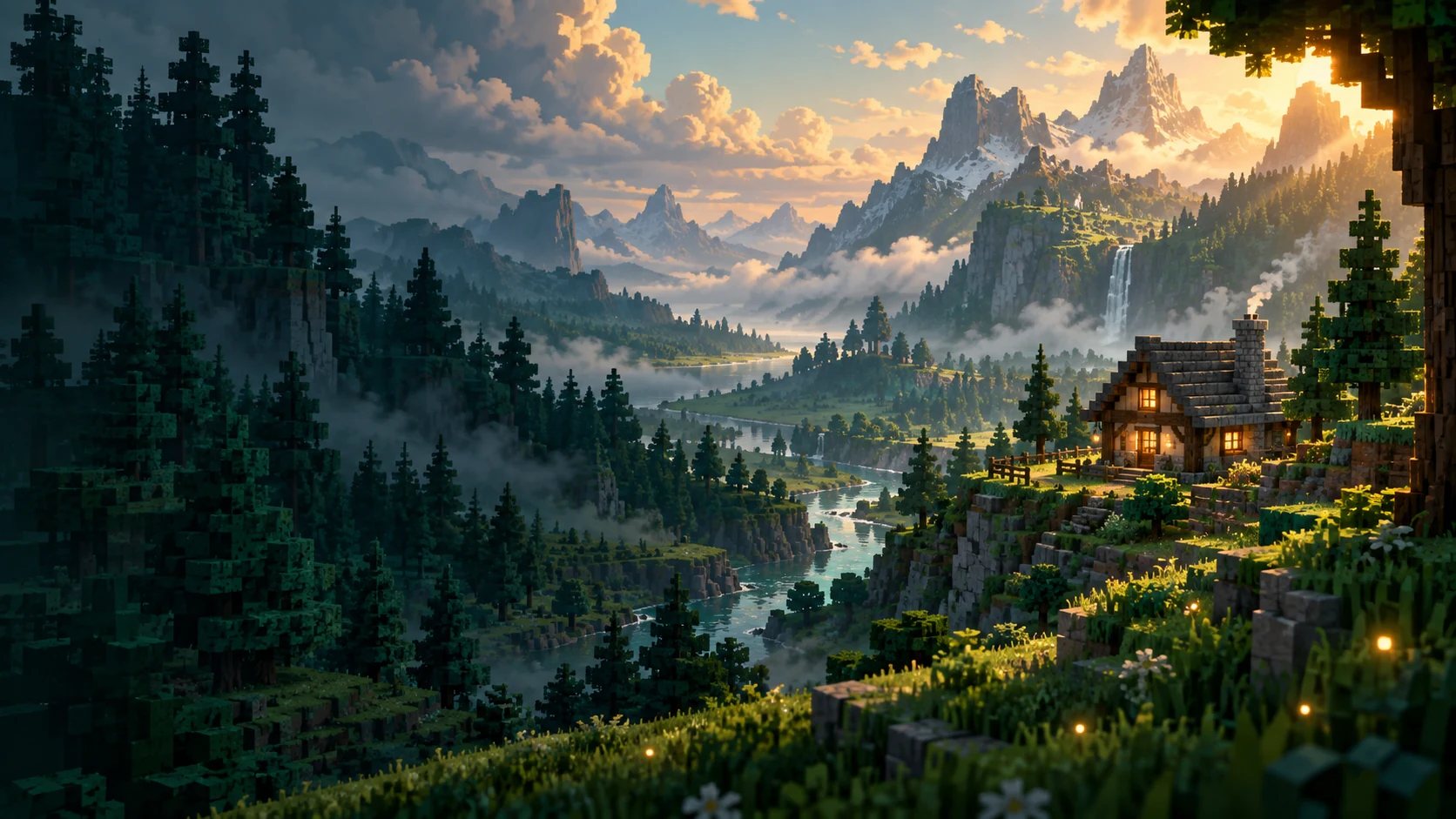
A sandbox adventure. Your way.
Beyond the next ridge, a new discovery.
At the end of the trail, a place to call home.
Windows PC • In development
01 Welcome to Hearthwild
Set out with empty pockets and a head full of plans. Gather, build, and grow into the adventurer you want to be. There’s always something over the next hill.
A small shelter. A working farm. A home worth coming back to. Build block by block, furnish every corner, and watch the weather roll in.
Follow rivers, uncover buried ruins, and venture into the volcanic Cinderdeep. Pack well. The next discovery might take you further than you think.
Six skills. Forty-two perks. Gain experience by doing what you love, from mining and building to farming, fishing, exploration, and combat.
A world worth sharing. Settle in on your own or invite friends into a hosted multiplayer world.
How multiplayer works02 The latest
New discoveries.
A world that keeps growing.
Welcome to Pre-Alpha! This build is extremely early, and only open to select users. Please provide any feedback, such as bugs, or new ideas to ad
Read story03 Your next adventure
Your account is where your adventure begins.
Log in or create an account to get the launcher,
then redeem a game key to unlock Hearthwild.
New here? Create an account, then redeem a game key to play.
Windows downloads are available. The Mac launcher is being prepared and is not available yet. Your Account tab suggests your platform and lets you change it.
First time installing?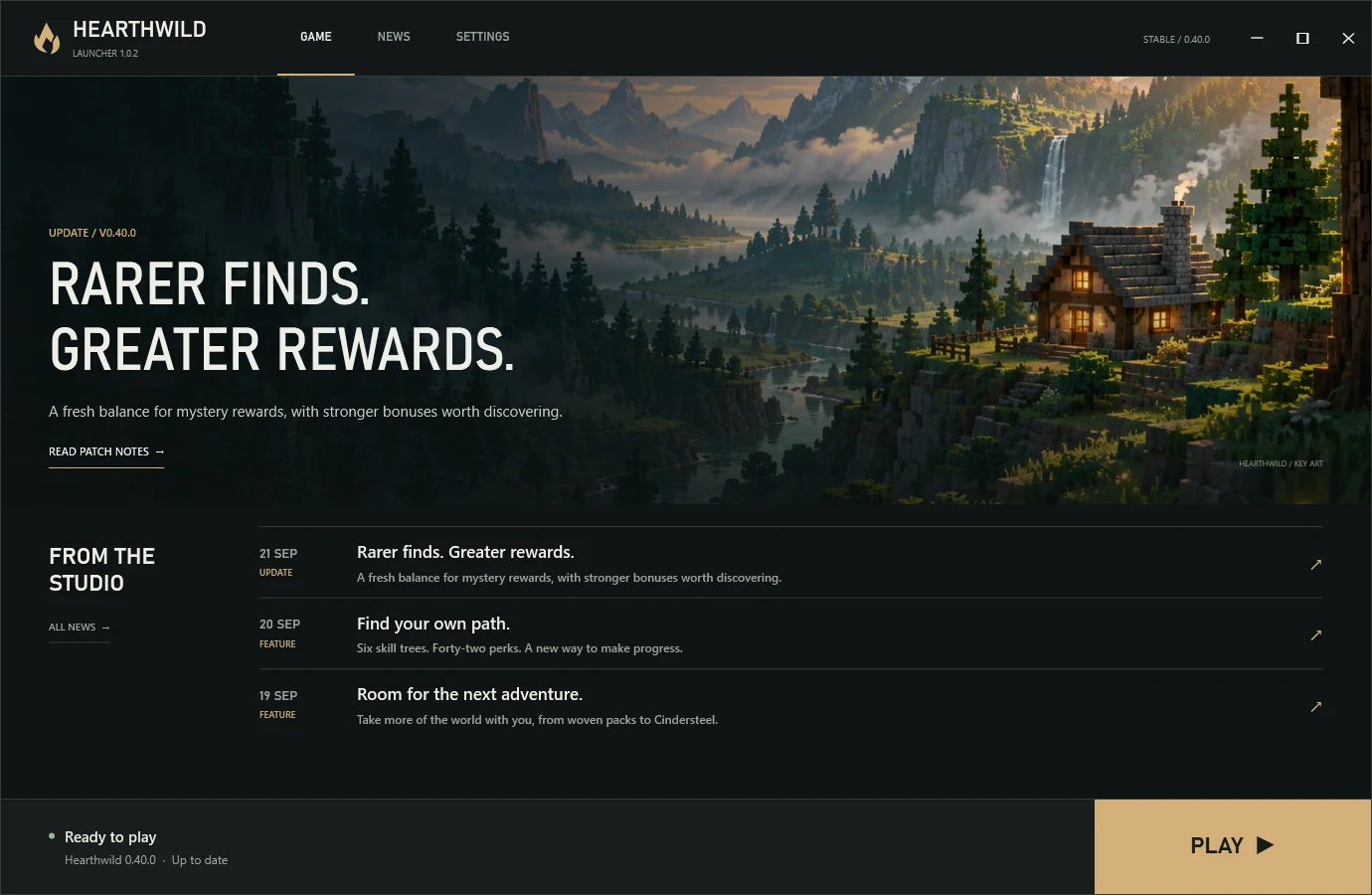
04 Before you set out
A few things to know
before your first adventure.
Create a Hearthwild account, verify your email, and download the launcher from your Account tab. Open the installer on your Windows PC, then log in to the launcher with the same account. Redeem a game key on the website or in the launcher to unlock the game. Choose Install Game, then Play when the installation finishes.
The launcher checks for launcher and game updates at startup and before playing. Install any required updates before you jump back in. After a successful online ownership check, you can play offline for up to seven days.
Yes. Every player needs a Hearthwild account with game access. Create an account with a username, email, and password, then verify your email. Redeem a game key through the Redeem tab or the launcher to add Hearthwild to your account.
If you played an earlier build, create an account and redeem a key too. Your previous download does not automatically grant account access. Once redeemed, your key stays attached to that account.
The launcher currently supports 64-bit Windows 10 and Windows 11. A Mac launcher is being prepared and is not available to download yet. Linux, mobile, and console versions are not available.
Hearthwild is in development. Performance and features may change as new versions arrive.
Yes. You can host a world or use a dedicated server, with support for up to four players. Everyone should use the same game version.
Local-network play and direct internet connections are supported. Hosting over the internet currently requires router port forwarding; there is no automatic matchmaking service.
The launcher is currently unsigned, so Windows may show “Unknown publisher” or a SmartScreen warning. Your browser may also flag it as an uncommon download.
Download the official installer from your account at playhearthwild.com. Check the address and your security software’s findings before deciding whether to run a download.
The latest published posts appear in the news section on this page and inside the launcher. Open a story to read the full update.